 Tiny Picks
The people picker
Someone has to
go first.
A quick way to pick a person around the table. Gather around one iPhone, or put everyone’s name on a list.
Fingers down.
One person picked.
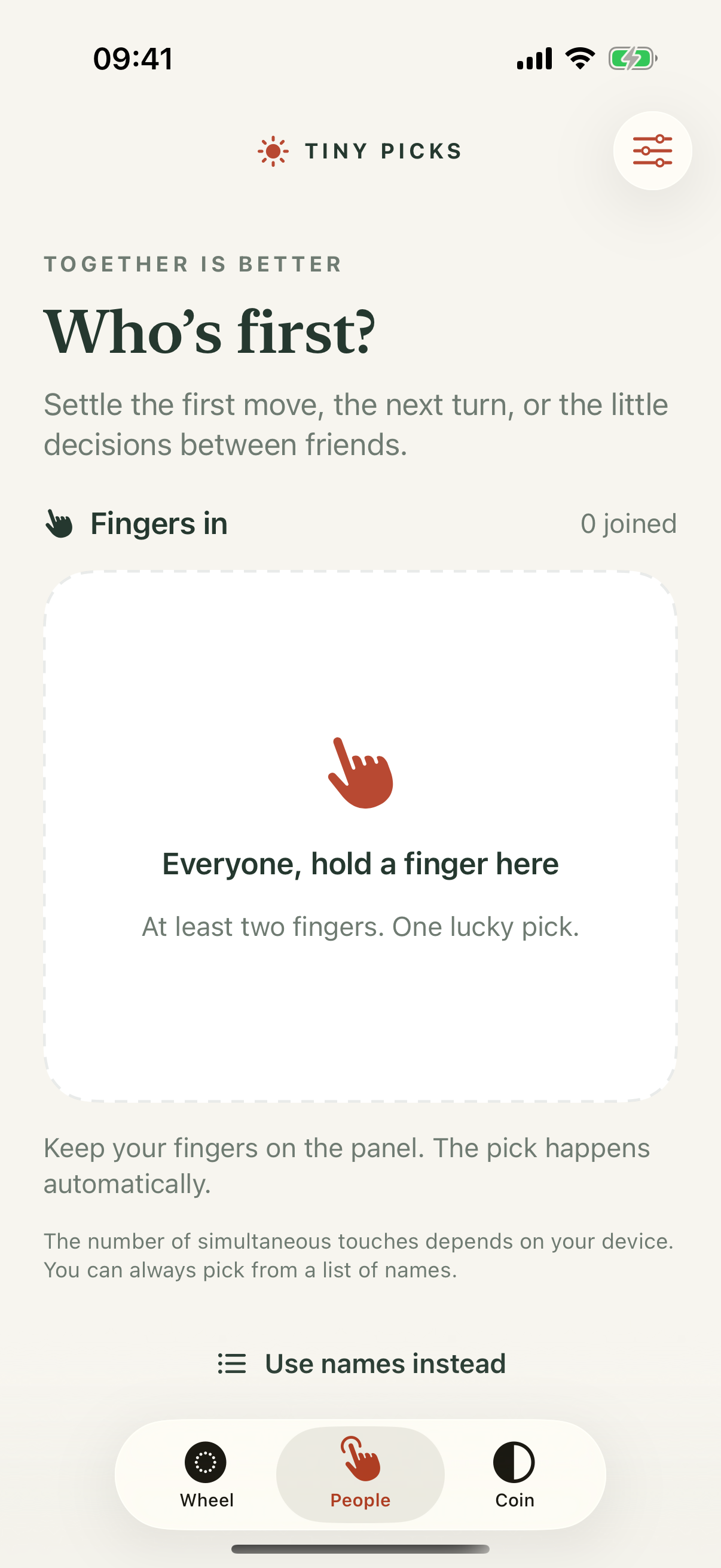
Open People in the iPhone app. Each person places a finger on the screen. Once the touches stay steady for about 1.1 seconds, Tiny Picks randomly chooses one active finger and highlights it.
Lift all fingers to start another round. The number of simultaneous fingers supported depends on the iPhone’s touch hardware.
Not everyone in the room?
Switch to the name list. Add participants, then tap to pick a name. Your name list is saved locally on the iPhone, ready for next time.
Small moments, fewer debates
Choose a board-game starter, settle who picks the movie, or select the next presenter from a name list. To pick an activity instead, try the wheel.
iPhone · iOS 17 or later. Internal TestFlight beta available to invited testers; no public download link yet.